Editor
A powerful LaTeX editing environment built for productivity
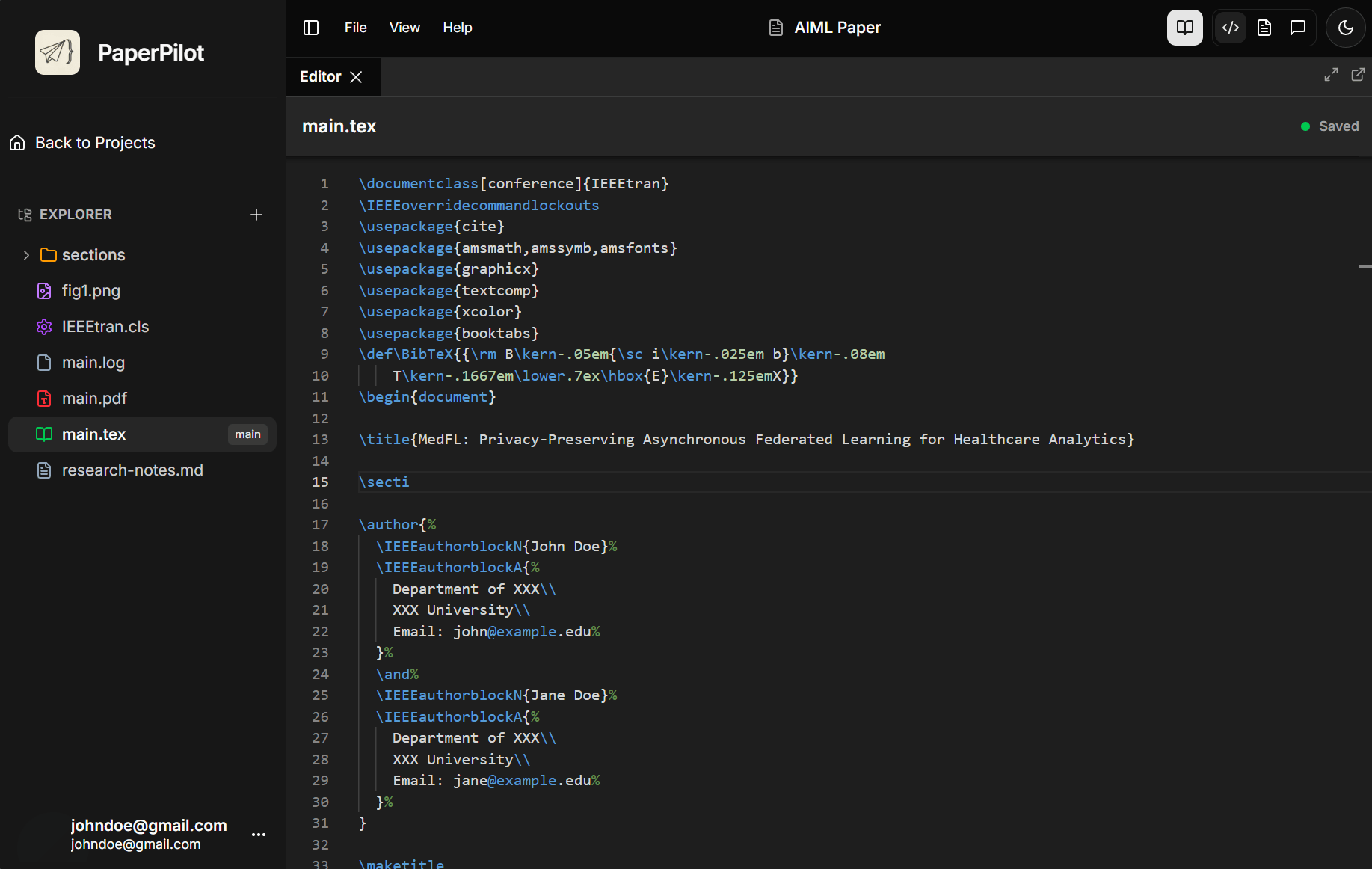
The PaperPilot editor is built on Monaco (the same engine powering VS Code) and optimized for LaTeX editing.
Features at a Glance
LaTeX Editing
Syntax highlighting, autocomplete, and snippets for efficient LaTeX writing
Inline AI (Ctrl+K)
Refactor, rewrite, or generate code without leaving the editor
PDF Preview
Live-updating preview with sync scrolling
Editor Highlights
Multi-Tab Editing
Work on multiple files simultaneously with a tabbed interface:
- Drag and drop tabs to reorder them
- Right-click tabs for quick actions (close, close others)
- Split view by dragging tabs to edges
- Detach tabs into separate windows
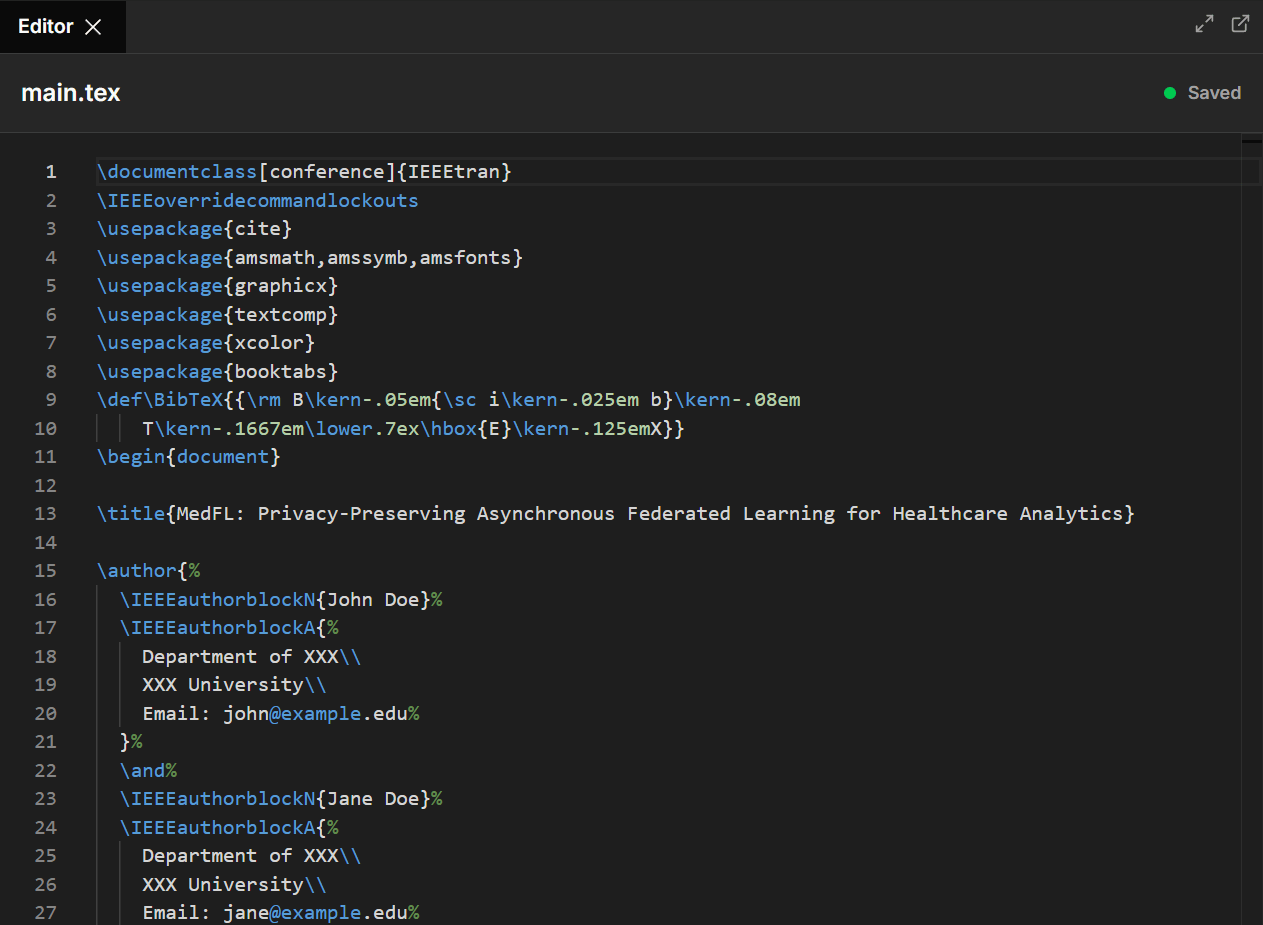
Syntax Highlighting
Beautiful, semantic highlighting for LaTeX:
- Commands - Clear distinction between commands and text
- Environments - Visual markers for begin/end blocks
- Math Mode - Inline and display math are highlighted differently
- Comments - Grayed out for easy identification
Smart Features
| Feature | Description |
|---|---|
| Autocomplete | Suggestions for commands, environments, and custom definitions |
| Bracket Matching | Highlights matching {braces}, [brackets], and (parentheses) |
| Folding | Collapse sections, environments, and preamble |
| Find & Replace | Full regex support with preview |
| Mini-map | Document overview for quick navigation |
Press
Ctrl+Space to trigger autocomplete suggestions at any time.Keyboard Shortcuts
Master these shortcuts for maximum efficiency:
Navigation
| Shortcut | Action |
|---|---|
Ctrl+G | Go to line |
Ctrl+P | Quick file open |
Ctrl+Shift+O | Go to symbol/section |
Ctrl+Tab | Cycle through open tabs |
Editing
| Shortcut | Action |
|---|---|
Ctrl+D | Select next occurrence |
Ctrl+Shift+L | Select all occurrences |
Alt+↑/↓ | Move line up/down |
Ctrl+Shift+K | Delete line |
Ctrl+/ | Toggle comment |
AI Features
| Shortcut | Action |
|---|---|
Ctrl+K | Open inline AI refactor |
Ctrl+Enter | Send message in chat |
Real-Time Sync
Your changes are automatically saved and synced:
- Auto-save - Changes save after a brief pause in typing
- Cloud Sync - Work from any device, always up to date
- Sync Indicator - Shows save status in the header
All changes are versioned. If something goes wrong, contact support to restore a previous version.